
How to Find Out If Your Photos Are Online (and What to Do Next)
Worried your photos are online without consent? Here's how to check safely with reverse image search, plus what to do the moment you find something.

The easiest option: let someone scan for you
Searching for images of yourself can be distressing, so it's okay to hand that part off. Protect Privacy AI scans to detect non-consensual content, submits takedowns, and escalates when platforms don't respond, including running weekly or monthly scans so you're not checking manually.
Reverse image search, step by step
Pick the image or a clear photo of your face, then run it through more than one engine: Google Images/Lens, Bing Visual Search, TinEye, and Yandex each index a different part of the web. Screenshot everything you find, including the page, full URL, and any username attached.
Face-search tools, with caution
PimEyes and FaceCheck.ID search the web for a matching face. Use an ordinary photo, not a private one, and read each tool's privacy policy first; FaceCheck.ID in particular pulls from mugshot and offender databases and charges via cryptocurrency.
Set up ongoing monitoring
Google's "Results about you" hub and a Google Alert on your name can flag new matches automatically. Protect Privacy AI can run scheduled scans so the checking is off your plate entirely.
What Google's removal tool actually does
Requesting removal de-indexes a result from Google Search; it doesn't delete the content from the site hosting it. Use it as one layer, and separately pursue removal at the source.
What to do the moment you find something
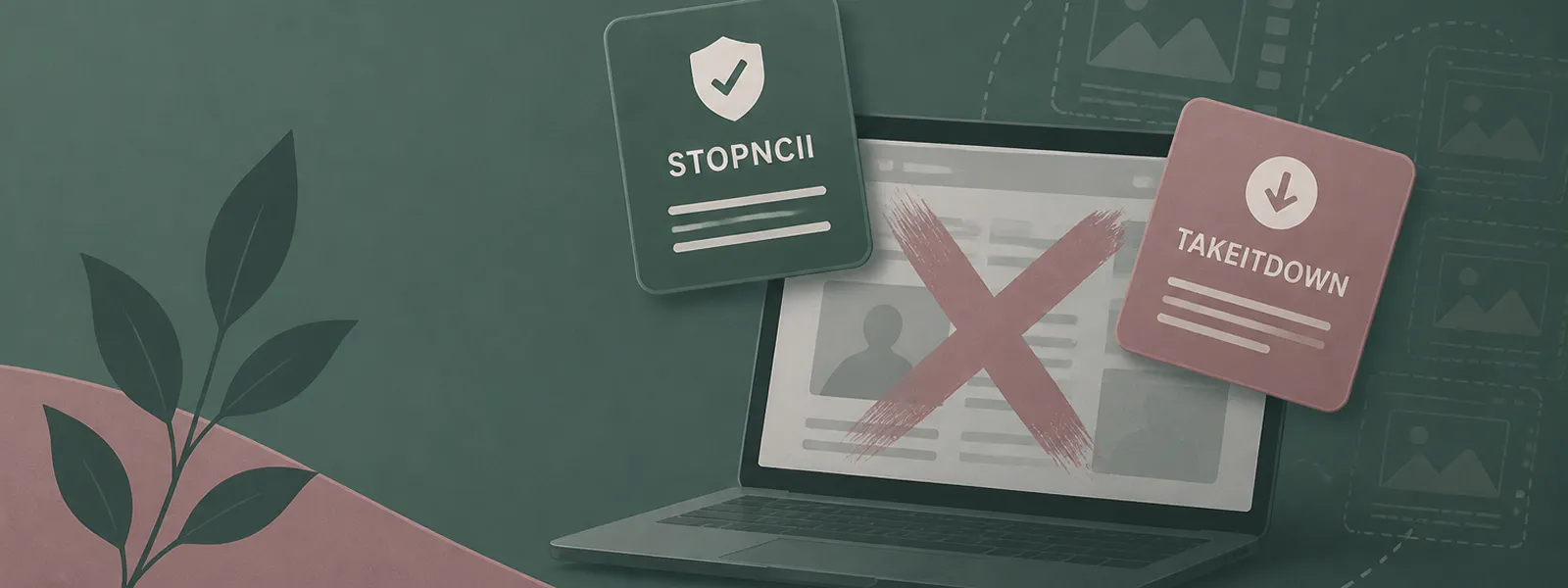
Don't delete anything; screenshot the page, URL, and username first. Get existing copies taken down through platform reports, Google de-indexing, or a service like ours. Add a prevention layer with StopNCII (18+) or Take It Down (under 18). And get support; you don't have to do this alone.


Ready when you are.
If you'd like to take action on what you've read, Protect Privacy can help.
Or keep exploring — there's no rush.

Built with survivor-informed, privacy-first design.
Your dignity and control come first.
Get the app